
PDF Quick Kit Press Kit
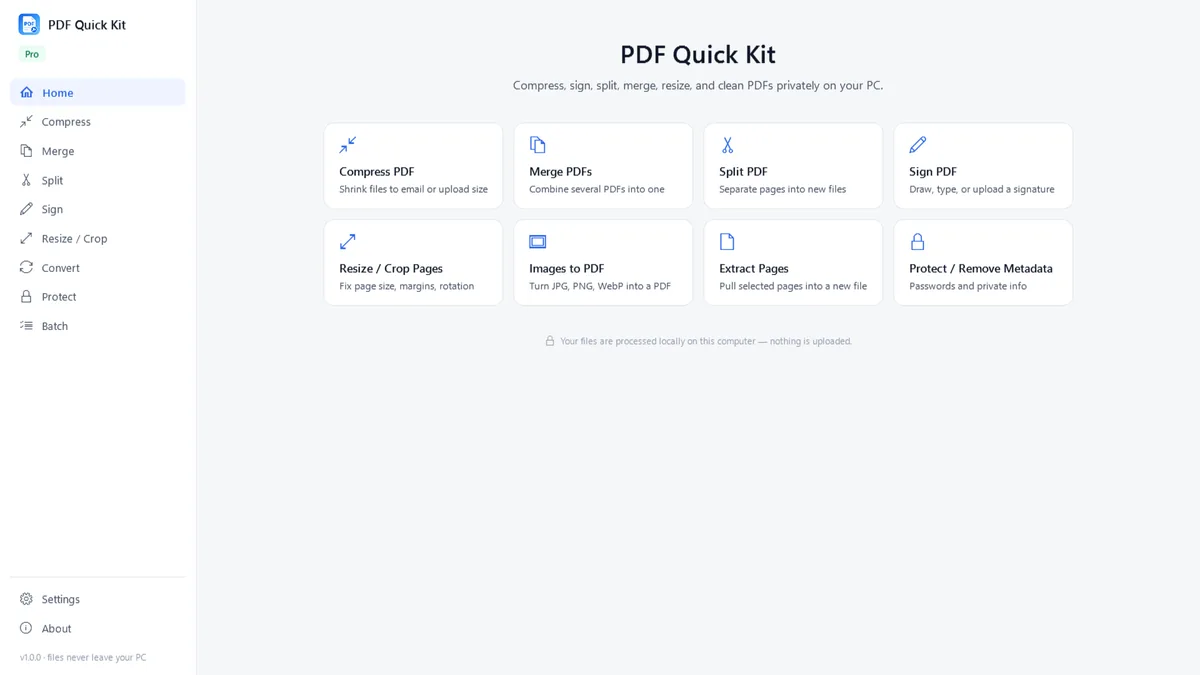
PDF Quick Kit is a focused Windows application for everyday PDF tasks. It can compress, merge, split, sign, crop, resize, protect and convert PDF files locally on the user’s computer. It is available on the Microsoft Store as a one-time purchase with a free 7-day trial — no subscription.
Key facts
- Product
- PDF Quick Kit
- Brand
- DreamFast Apps by DreamFast Themes
- Developer
- Yosef Saada
- Platform
- Built for Windows
- Availability
- Microsoft Store
- Pricing
- One-time purchase with a free 7-day trial
- Press contact
- hello@dreamfastapps.com
- Product page
- dreamfastapps.com/apps/pdf-quick-kit
Main features
- PDF compression
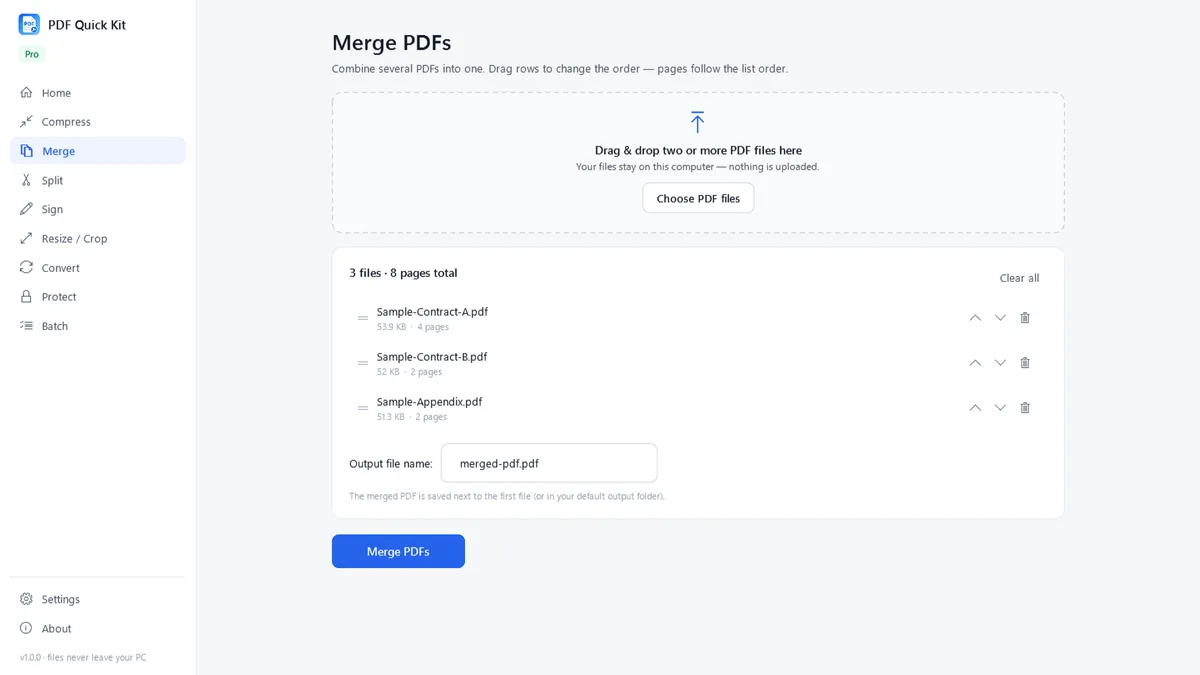
- Merge PDF files
- Split and extract pages
- Add visual signatures
- Crop PDF pages
- Resize PDF pages
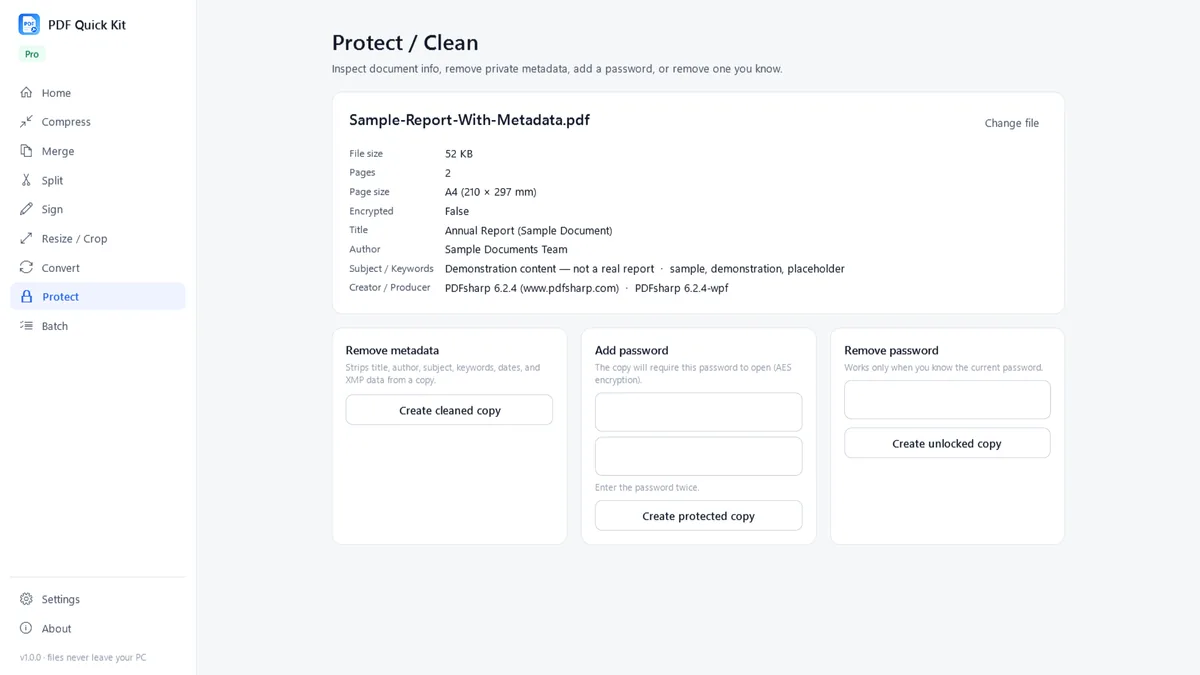
- Password protection
- Image and PDF conversion
- Metadata removal
- Batch processing
Local processing & privacy
Normal PDF processing runs locally on the user’s Windows PC — working documents are not uploaded to DreamFast servers. An internet connection is used for installing, buying and updating through the Microsoft Store.
- Local processing
- No document uploads
- No subscription
- Available through the Microsoft Store
Screenshots & marketing images
A selection from the kit. The archive contains all six store screenshots, three marketing images, the app icon, the DreamFast Apps logo and a press information sheet — full resolution, ready to publish.
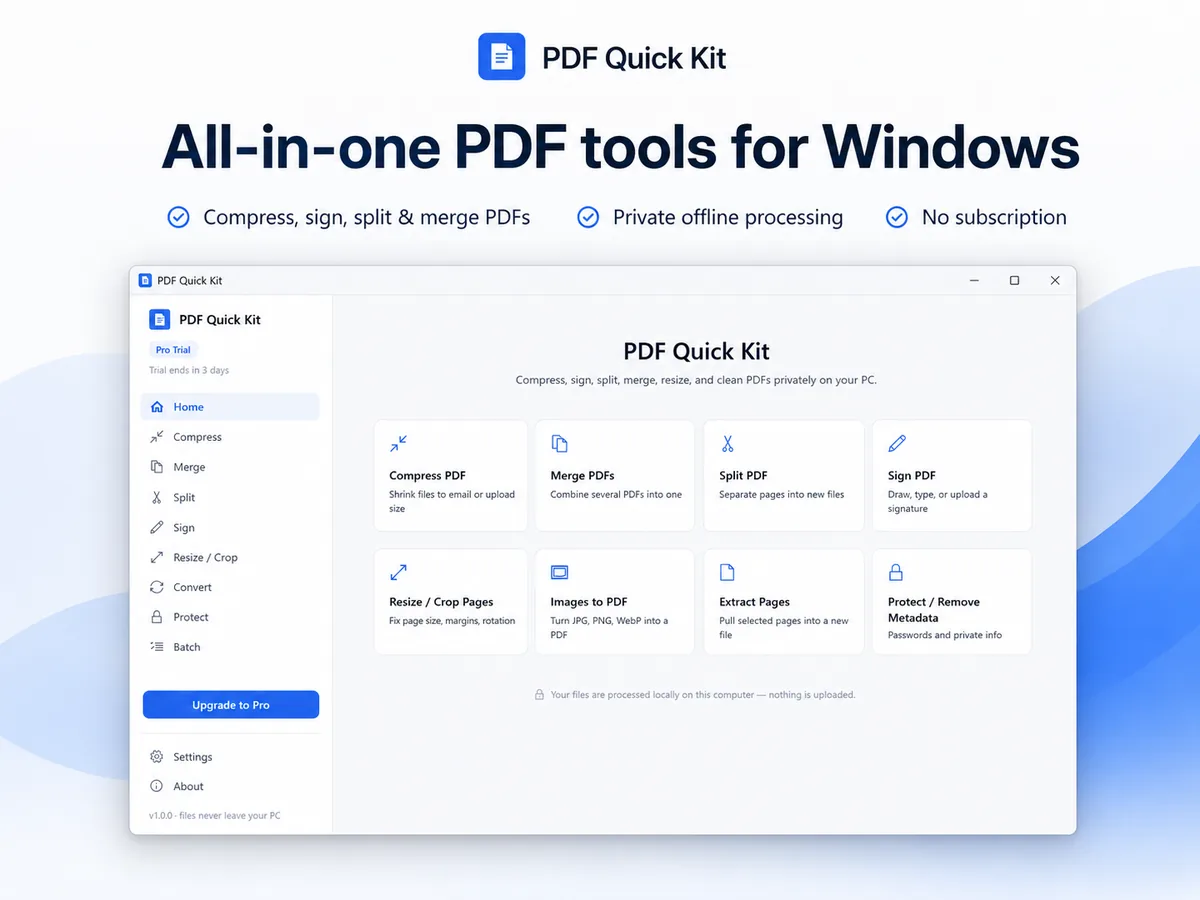
Everything you need to cover PDF Quick Kit
The press kit includes the app icon, store screenshots, marketing images and a press information sheet. Questions? Email hello@dreamfastapps.com and a person will answer.